

Per cut or monthly: which lawn care pricing should you use?
Charge per cut if your clients are irregular or your season is short; charge a flat monthly rate (per-cut price × expected cuts ÷ billing months) if most clients are weekly regulars and you want even income, because then the weather risk moves from you to the average.
That last part is the one most pricing guides skip. With per-cut billing, a dry July with half the cuts is half the July income. With monthly billing, the same July pays in full, and a wet May with extra cuts is work you have already been paid for. You are not choosing a price. You are choosing who carries the weather.
Per cut, the weather is your problem. Monthly, it's the average's problem.
Converter: per-cut price to monthly, with a dry and a wet season
Put in last season's real numbers. Nothing leaves this page.
A worked calculation of the figures you enter, not financial or tax advice.
Your first week with a new lawn pricing model
Switching models mid-business is mostly paperwork and one honest conversation per client. Here is how we would spread it over seven days.
- Day 1 · Count last season. For each lawn, write the number of cuts you actually did, not the number you planned. Your notebook, your calendar or old invoices all work.
- Day 2 · Convert. Run each regular through the converter above. Round to a number you can say out loud without wincing.
- Day 3 · Write your weather rule. One sentence for dry spells (rate holds, or a minimum number of visits) and one for wet ones (extra cuts included up to a limit).
- Day 4 · Decide what a visit includes. Mow, trim, edge, blow. Then list the extras: leaf cleanup, bagging, the overgrown first cut of spring. Price extras per job.
- Day 5 · Quote your regulars. In ScopeBid, a per-unit line item with your own unit ("cut" or "month") keeps the math visible; Business Memory keeps last year's price and hours next to the new one.
- Day 6 · Set the payment stages. A monthly plan is a quote with stages. ScopeBid lets you add deposits and payment stages and then record each payment as it arrives.
- Day 7 · Log the first real visit. The ten-second closeout records actual labor and materials, so by midsummer you can see whether a flat rate is quietly losing money on one big lawn.
One design decision we made in ScopeBid: internal cost and margin are never printed on customer documents. You can see your profit on a monthly plan; your client sees a clean price.
Honest limits
- No automatic recurring billing. The listing describes payment stages and recording payments, not invoices that send themselves every month.
- No routing or crew scheduling. ScopeBid quotes, invoices and costs jobs. If you need route planning, pick a field-service app.
- It records payments, it doesn't take them. No card processing; cash, cheque, e-transfer, bank transfer or your own card terminal.
- Free covers your first 3 quotes with full PDFs. Unlimited quoting, the full Business Memory, job costing and invoicing are ScopeBid Pro, billed monthly or yearly.
- Who should pick something else: crews with ten or more weekly routes and staff to dispatch. You need scheduling software first.
Proof: the screens behind a lawn quote
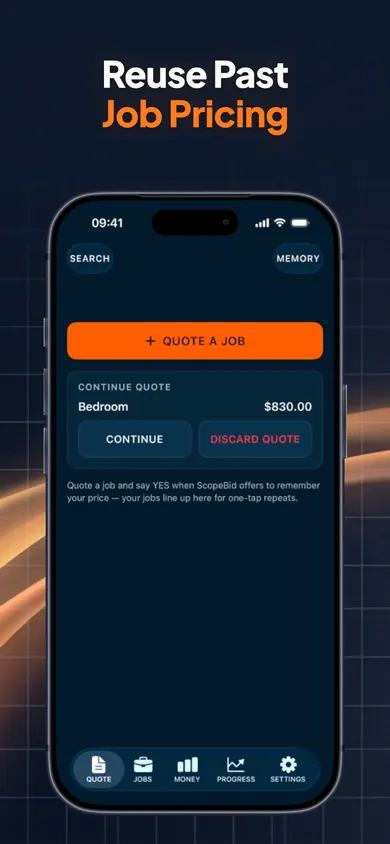
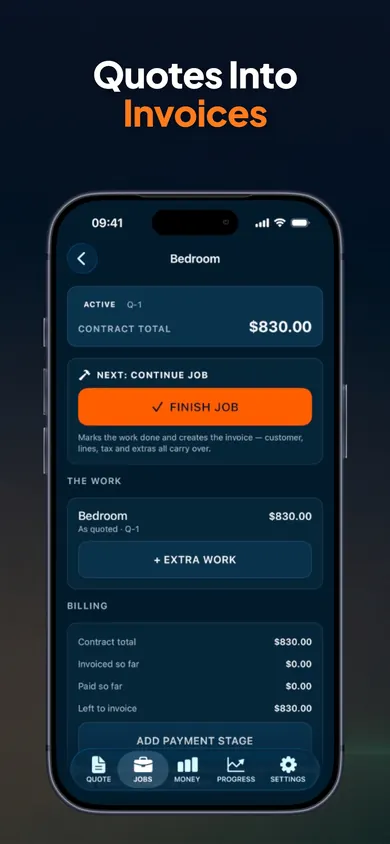
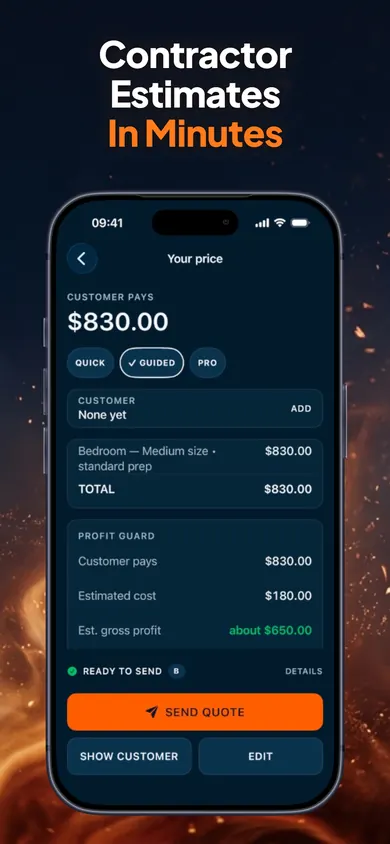
The store screenshots show a painting job; the screens are the same for a lawn.
Lawn care billing questions
How do you turn a per-cut price into a monthly price?
Multiply your per-cut price by the number of cuts you expect in the season, then divide by the number of months you will bill. Example: $45 a cut × 28 cuts = $1,260, billed over 7 months = $180 a month. The converter on this page does it for your numbers.
Is monthly lawn billing better than per cut?
Neither is better in general. Monthly flat billing smooths your income and makes the client's bill predictable; per-cut billing pays you for every visit and suits clients who call when they need you. The real difference is who carries the weather: a dry summer costs a per-cut business visits, a wet one costs a flat-rate business extra work.
What should a monthly lawn care agreement say?
At minimum: the months covered, the expected number of visits, what each visit includes (mow, trim, edge, blow), what is extra (leaf cleanup, bagging, overgrown first cut), and what happens if the season runs short or long. Write it once and reuse it.
Do I bill monthly in the off-season too?
Some lawn businesses spread a season over 12 months so clients pay the same all year; others bill only in the months they mow. Spreading over 12 lowers the monthly number but means you are owed money long after the work is done, so be clear about what happens if a client leaves mid-year.
What do I do with clients who skip cuts during a drought?
Under per-cut pricing, you simply don't bill. Under a flat rate, decide your rule in advance: either the rate holds because the season averages out, or you set a minimum number of visits. Tell clients the rule before the dry spell, not during it.
Can ScopeBid send recurring monthly invoices?
Its App Store listing does not describe automatic recurring invoices. You can set deposits and payment stages on a quote, turn an approved quote into an invoice, and record partial payments as they come in. For automated monthly billing and route scheduling, a field-service app built for that suits you better.